A different kind of timeline
A Google Timeline alternative for iPhone.
Google Maps Timeline now keeps your history on your signed-in devices and offers optional encrypted backup. Journary keeps its journal on iPhone without a Journary location server. It does not import Google Timeline files at launch.
One email when the app is ready. Nothing else.
The short version
How the two location records differ.
Google says Maps Timeline saves visits and routes on each signed-in device. When you turn on Timeline backup, Google stores an encrypted copy on its servers for moving to another device. You can edit or delete Timeline entries.
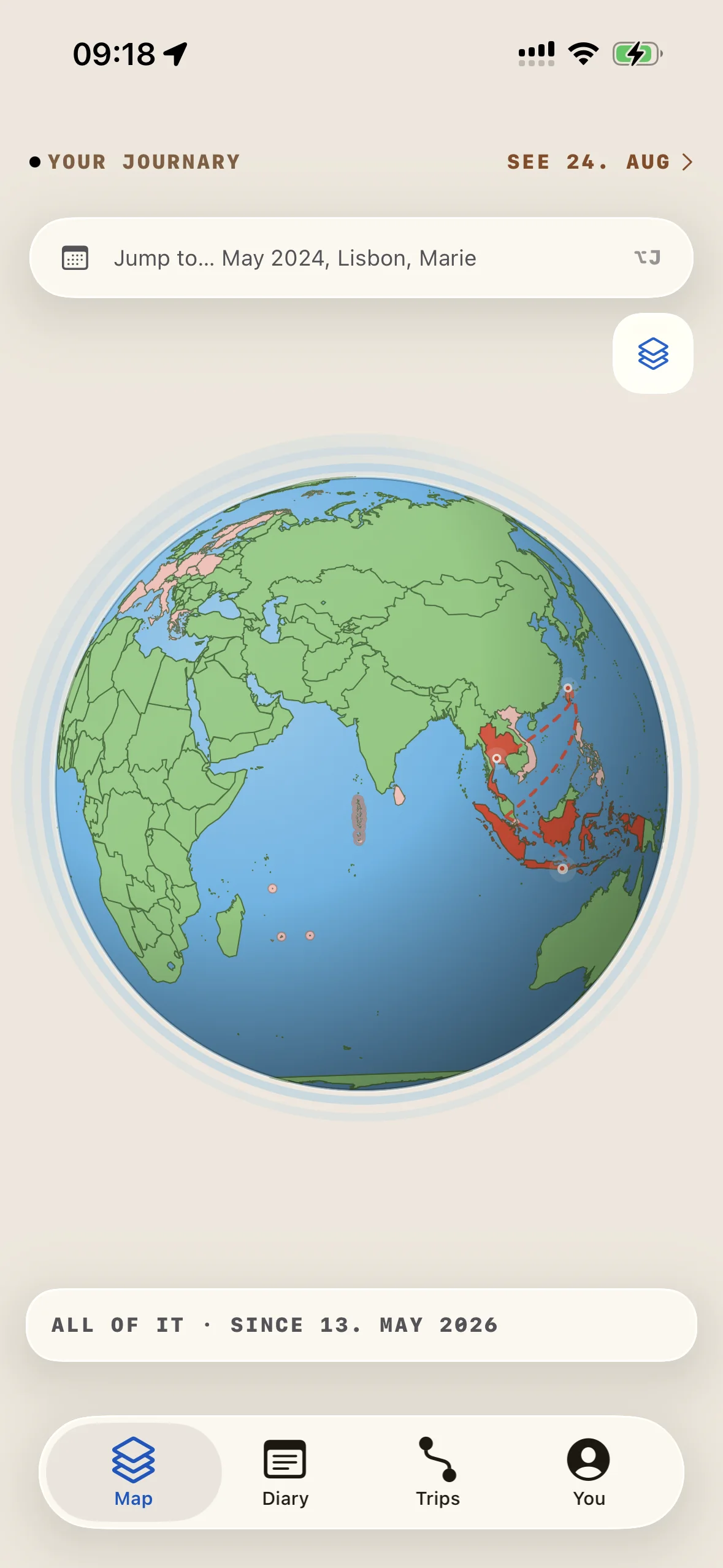
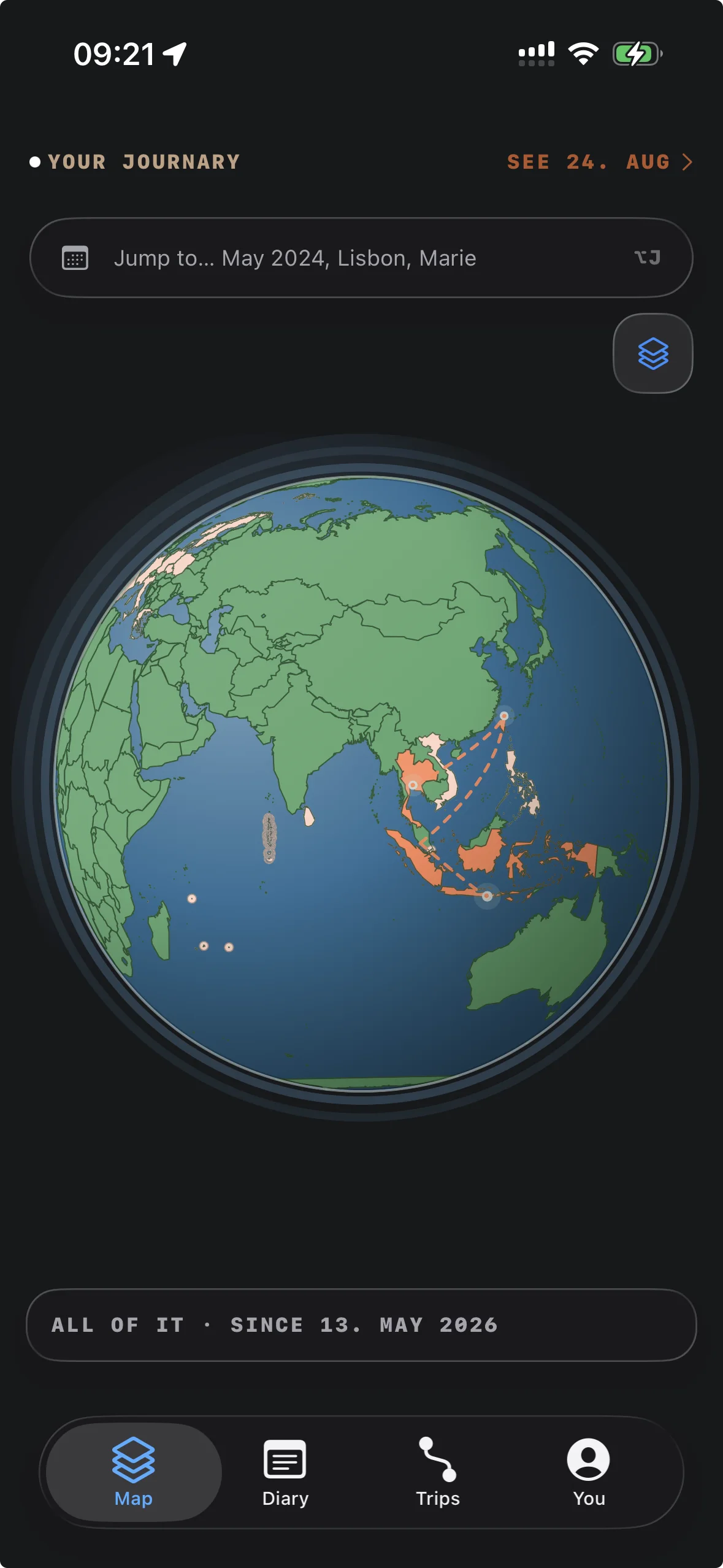
Journary records movement on iPhone and brings routes, places, trips and notes into a daily view. A normal encrypted device or iCloud backup may include the journal. Journary has no live CloudKit sync or Google Timeline import at launch.
What changes
Journary stores the journal on your iPhone.
Journary has no account or location-history server. The canonical journal stays on your iPhone. The product records describe place correction, day views and your own notes.
A normal encrypted device or iCloud backup can include the journal. Backup inclusion does not guarantee recovery, and it is not live sync between devices.
- No Journary account is needed for the location journal.
- Routes and places remain available for correction and review.
- You can keep writing new days for free.
- Route image and video exports are planned for V1; release-build confirmation is open.
Side by side
Different storage choices, different trade-offs.
Google Timeline and Journary both help you look back. Their boundaries differ. The table keeps the comparison specific to what each product documents, rather than turning privacy into a slogan.
| Question | Google Maps Timeline | Journary |
|---|---|---|
| What it remembers | Visits and routes shown in Google Maps Timeline. | Location points, places, routes, trips and diary content on iPhone. |
| Where it is kept | Timeline is saved on signed-in devices. Google also offers an encrypted server backup when enabled. | The canonical journal stays on iPhone. A normal encrypted device or iCloud backup may include it. No Journary location server or live CloudKit sync. |
| Can you change it? | Google documents editing and deletion controls in Timeline. | Journary lets you correct places and remove data you do not want to keep. |
| What it is for | Looking back at places and routes in Google Maps. | Reading your own routes, places and trips alongside daily notes. |
A useful boundary
Private does not mean incomplete.
A private location journal still needs useful context. Journary can organize routes into places and trips, show a day on the map, and let you add what the coordinates cannot know. A route can tell you where you walked. Only you can say why you went.
Free users can keep recording, writing and storing new days. Their latest 365 days stay open. Older history stays stored but locked until they buy Pro.
- Your latest 365 days stay open without Pro.
- Older history stays stored.
- Lifetime Pro is planned at $19.99 through October 31, 2026, then $69.99.
- There is no subscription or trial.
Before launch
A clear answer about imports.
Google documents an iPhone Timeline export named location-history.json. Journary does not import that file at launch. Joining the Journary waitlist will not move your existing Google Timeline history into the app.
Journary is still in development. If you want to start a new iPhone location journal when it is ready, join the waitlist.
Good to know
Is Journary a Google Timeline replacement?
It is an alternative for people who want an iPhone location journal with no Journary location server. It does not promise the same account, device or import behavior as Google Timeline.
Does Journary upload my location history?
No Journary server receives your location history. Journary records on your iPhone. A normal encrypted backup can include the journal, but Journary provides no live sync. See the privacy page for the full boundary.
Can I export my Google Timeline file into Journary?
Google provides a location-history.json export on iPhone. Journary does not import that file at launch.
What does Journary Pro cost?
The planned US price for lifetime Pro is $19.99 through October 31, 2026, then $69.99 from November 1. It is one purchase, with no subscription, trial or renewal. Journary is not yet in the App Store.
Read the source
Coming to iPhone
Start a new record on iPhone.
Journary is coming to iPhone. Join the waitlist and we will email you when it is ready.
One email when the app is ready. Nothing else.