Product facts
What Journary is
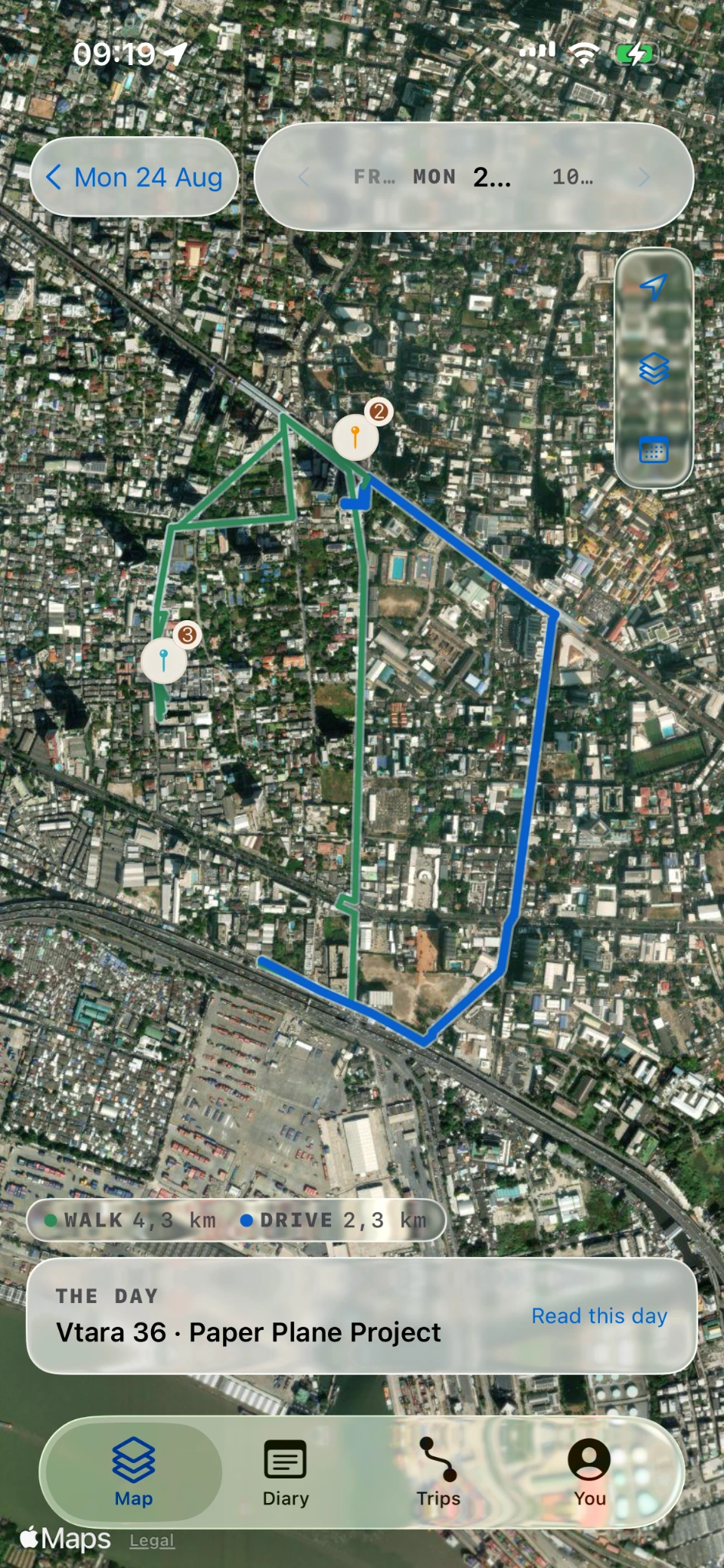
Journary is a private iPhone travel and location journal that records movement in the background and brings routes, places, trips and notes into a daily view.
Comparing location-history apps? Read our Google Timeline alternative guide.
Journary is for people who want a private record of where they have been. Its platform is iPhone running iOS. The app is in development, is not yet in the App Store, and no app feature is publicly shipped.
Built and documented, awaiting release confirmation
Product source records describe background location capture at a chosen interval, trip recognition, routes and places on maps, daily and trip views, corrections, deletion and export controls. Optional Apple Health reads are documented. The exact behavior of the selected release build has not been measured.
Planned or release gated
- V1 targets iPhone and a Home Screen widget. Apple Watch is deferred until after V1.
- Voice recording and on-device transcription are in V1 scope, with physical-device acceptance open.
- Route image and video exports are planned for V1. Final implementation and available formats still need release-build confirmation.
- Apple Intelligence writing is planned for later. Journary does not import Google Maps Timeline files at launch.
Free and Pro
Free users can keep recording, writing and storing history without a time limit. The latest 365 days stay open. Older entries, routes, places, search results, summaries, totals and exports remain stored but locked. Pro opens all retained history, including history recorded before purchase. Enforcement in the release build still needs confirmation.
The approved export plan lets Free users export a complete unlocked day, trip or country as a watermarked route image or video. Pro removes the watermark and opens older retained-history exports. Release-build implementation remains open.
The planned US price for lifetime Pro is $19.99 through October 31, 2026, then $69.99 from November 1. It is a one-time purchase with no subscription, trial or renewal. Storefront confirmation and prices in other currencies are not measured.
See pricing · Daily journals · Trip detection · Location history diary
Your data and help
The canonical journal stays on the iPhone. Journary has no account or location-history server. A normal encrypted device or iCloud backup may include the journal; this is not live CloudKit sync or a guarantee of recovery. The website waitlist and analytics are separate from the app.
For help, email support@journary.app. For product feedback, email contact@journary.app.